

Quick Internal Links
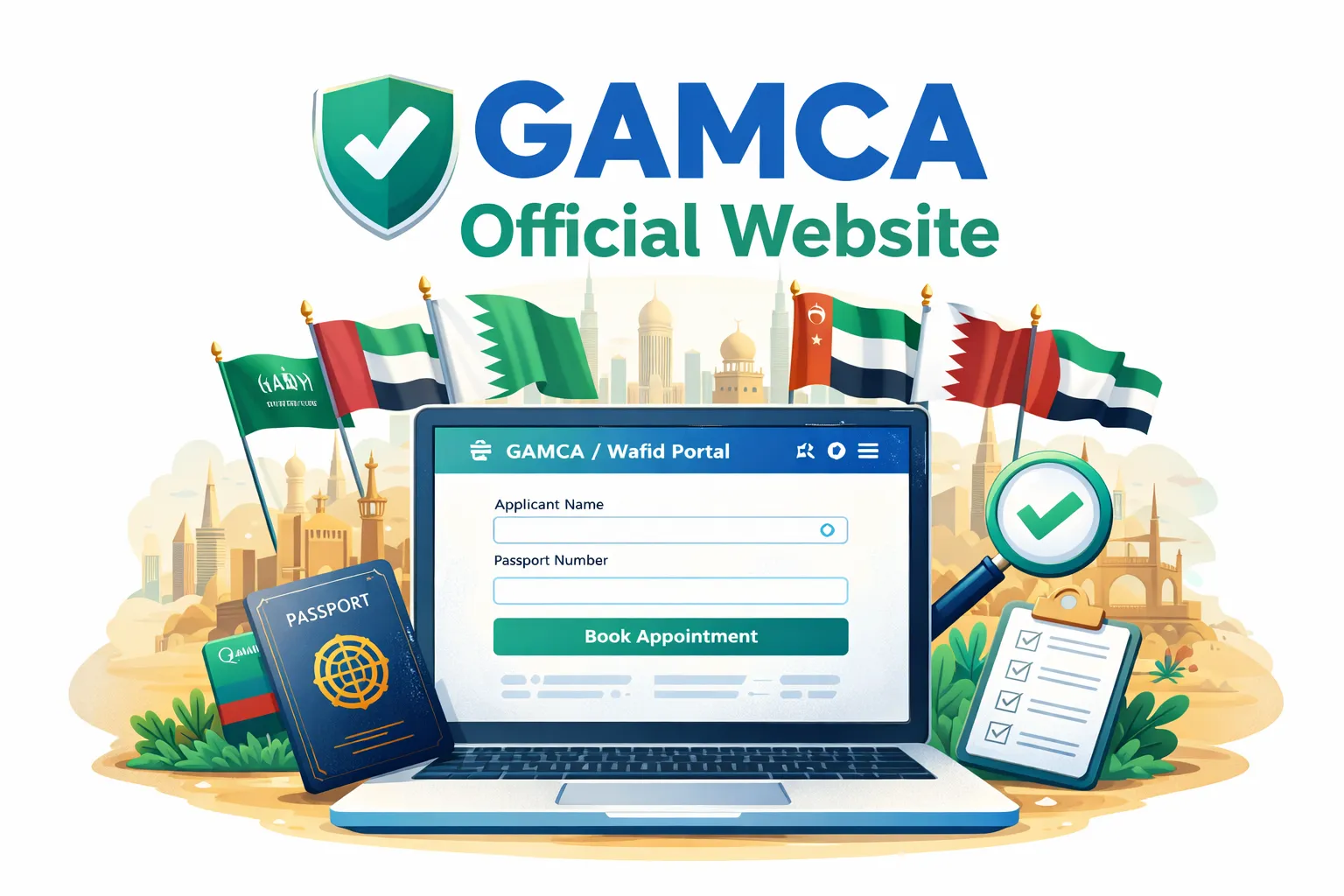
Searches like "GAMCA official website" or "Wafid official website" are common because applicants want the real portal, not an ad or a look-alike link. The official site for booking GAMCA medical appointments is official Wafid portal. If you are applying from Pakistan, you will also hear the term "GAMCA token" for the same booking slip. To align your booking with your city, you can start with the Pakistan GAMCA token guide.
Many users type shortcuts like wafid com, www wafid com, or https wafid com when searching the official site. Others search wafid com medical or wafid com book appointment. Common misspellings include wafid come and www wafid come. Always verify the official portal before entering passport details.
What Is the Official GAMCA / Wafid Portal?
Wafid is the official medical appointment system used by GCC countries for visa medicals. It is managed by the Gulf Health Council and integrates clinic assignments, passport verification, payment, and report status in one place. Many users also search for gulf health council pakistan when verifying authority. You cannot complete a valid GAMCA medical appointment without a booking slip from official Wafid portal. That is why you should always type the URL directly instead of clicking random ads or unknown search results.
Think of official Wafid portal as the single record that connects your passport, your medical center, and your final FIT or UNFIT status. If any detail is wrong, the medical center cannot validate you. That is why official access matters: the portal is not just a website, it is the source of record for the GCC medical system. Even if you use a third-party agent for help, the appointment slip must always come from the official portal.
Understand the Wafid Booking Flow
Many applicants skip steps and then get stuck later. The typical flow is simple: register, enter your passport details, select your destination, pay the booking fee, then download the slip. The slip is the only document accepted at the medical center. If you are unsure about the flow, keep the booking guide open in another tab and follow each screen carefully before moving to the next step.
Step-by-Step: Open the Official Website Safely
- Open your browser and type official Wafid portal in the address bar. Do not use shortened URLs.
- Check that the domain is exactly official Wafid portal and the browser shows a secure HTTPS connection.
- Choose your language and proceed to login or registration.
- If the site is slow, wait a few seconds before reloading. Multiple reloads can trigger errors.
- Avoid VPNs unless required. VPNs often cause country mismatch or blocked access.
- If you still cannot open the portal, see our GAMCA official portal not opening troubleshooting guide.
Payment, Fees, and Slip Download Tips
After you confirm your details, the portal will take you to payment. Use a stable connection and do not refresh the page during payment, as that can create a failed transaction. Once payment is completed, the portal generates a slip immediately. Save it right away and keep a backup. If you see a payment error, wait a few minutes and check your email or account history before trying again to avoid duplicate fees.
Fees are set by the official system and can vary by country. We do not control pricing, and this site does not collect official portal payments. If you are unsure about what a fee includes, check the receipt and compare it with the instructions shown on official Wafid portal. Avoid paying unknown agents promising faster approvals, since the medical result depends on your exam, not on any third party.
Create Your Account and Start an Appointment
Once the official portal loads, create your account with the same email and mobile number you actively use. Many applicants lose access because they register with a number they cannot verify. After login, you can start an appointment by entering passport details and selecting your destination GCC country. For a complete booking walk-through, see the GAMCA medical appointment online booking guide.
Make sure your passport name is entered exactly as printed, including middle names and spacing. Even a minor typo can create a mismatch at the medical center. It helps to keep a clear passport scan open while you type. If you are booking on a phone, zoom in and compare each line before submitting the form.
- Enter your passport number, expiry date, and full name exactly as printed.
- Choose your nationality and destination GCC country carefully.
- Select the medical center country where you will take the test.
- Complete payment and download the Wafid appointment slip.
Common Mistakes That Block Access
These mistakes cause most booking failures:
- Clicking ads or fake domains that look similar to the official site.
- Using a VPN that changes your region and triggers country mismatch errors.
- Typing your name or passport number with extra spaces or spelling changes.
- Choosing the wrong destination or medical center country.
- Using a phone number that cannot receive OTP codes.
Entered Wrong Data? Fix It Early
If you realize you entered wrong data, do not ignore it. Fixing the issue before payment is the safest option. If the slip is already generated, you may need to rebook. Our wrong data correction guide explains when a rebooking is required and how to avoid repeat mistakes.
Pakistan Note: "GAMCA Token" Means the Official Slip
Pakistan applicants often say "GAMCA token" when they mean the official Wafid appointment slip. It is the same document issued by official Wafid portal after payment. If you need a city-based overview, use the Pakistan GAMCA token guide, which links to Lahore, Karachi, and Islamabad pages.
How to Verify You Are on the Real Website
A simple safety check is to type the domain directly and confirm the URL is exactly official Wafid portal. Avoid websites that add extra words, hyphens, or country names. The official portal does not require you to download unknown files or install browser plugins. If a page asks for suspicious details, exit and reopen official Wafid portal in a clean browser session.
If official Wafid portal Does Not Open
Official portals sometimes slow down due to traffic. Try off-peak hours (early morning or late night), clear browser cache, and switch networks. If the issue persists, follow our step-by-step fixes in this troubleshooting guide.
After Booking: What to Save
Once the payment is successful, download the appointment slip immediately and save a PDF copy. Take a screenshot of the payment confirmation and keep your email receipt. Clinics verify your booking using the slip details, so losing it can delay the appointment. If you are unsure about the next steps, the GAMCA appointment page explains the basic flow.
Store your slip in two places: your phone and your email. On appointment day, bring a printed copy and a digital backup. If the slip is missing, the clinic may send you back to rebook. Keeping proof of payment also helps if you need to confirm a transaction at the counter.
Checklist Before You Start
- Active email address and phone number
- Passport details exactly as printed
- Correct nationality and destination country
- Preferred medical center country
- Stable internet and no VPN
Check Your Medical Report After the Appointment
After your medical exam, your FIT or UNFIT result is uploaded to the portal. You can monitor status and access report updates through the official system. For guidance on report tracking, see the GAMCA/Wafid report check page on this site.
How Our Guidance Helps (Independent)
We are an independent guidance site. We do not own or run the official portal. Our role is to simplify the steps, highlight common mistakes, and explain what to do if the portal shows an error. For official booking, always use official Wafid portal.
Helpful Pages on This Site
- Home for the main GAMCA and Wafid guidance hub
- GAMCA appointment page for direct booking steps
- Medical centers list to verify approved clinics
- FAQ for common questions and quick answers
FAQs
What is the official GAMCA/Wafid website?
The official GAMCA/Wafid portal is official Wafid portal. It is the only official website used for booking GAMCA medical appointments.
Is gamcaofficial.com the official website?
No. This site provides independent guidance only. The official portal is official Wafid portal.
Do I need an account to book a Wafid appointment?
Yes. You must create an account on the official portal to start an appointment and download the slip.
Why am I not receiving the OTP on official Wafid portal?
OTP delays are common during peak hours. Retry after a few minutes, confirm your phone number, and avoid VPNs that change your region.
Can I book without an agent?
Yes. Most applicants can book directly on the official portal by entering passport details and completing payment online.
What does GAMCA token mean in Pakistan?
In Pakistan, many applicants call the Wafid appointment slip a GAMCA token. It is the same official booking slip.
Should I use a VPN to access official Wafid portal?
Avoid VPNs unless absolutely required. VPNs often trigger country mismatch errors or block the portal.
Need help booking your GAMCA / Wafid medical?
Click here to book your appointment and get your Wafid token within 1 hour via WhatsApp.
Book Your GAMCA AppointmentSuggested GAMCA / Wafid Blogs
Continue reading related guides to avoid booking mistakes.