

Quick Internal Links
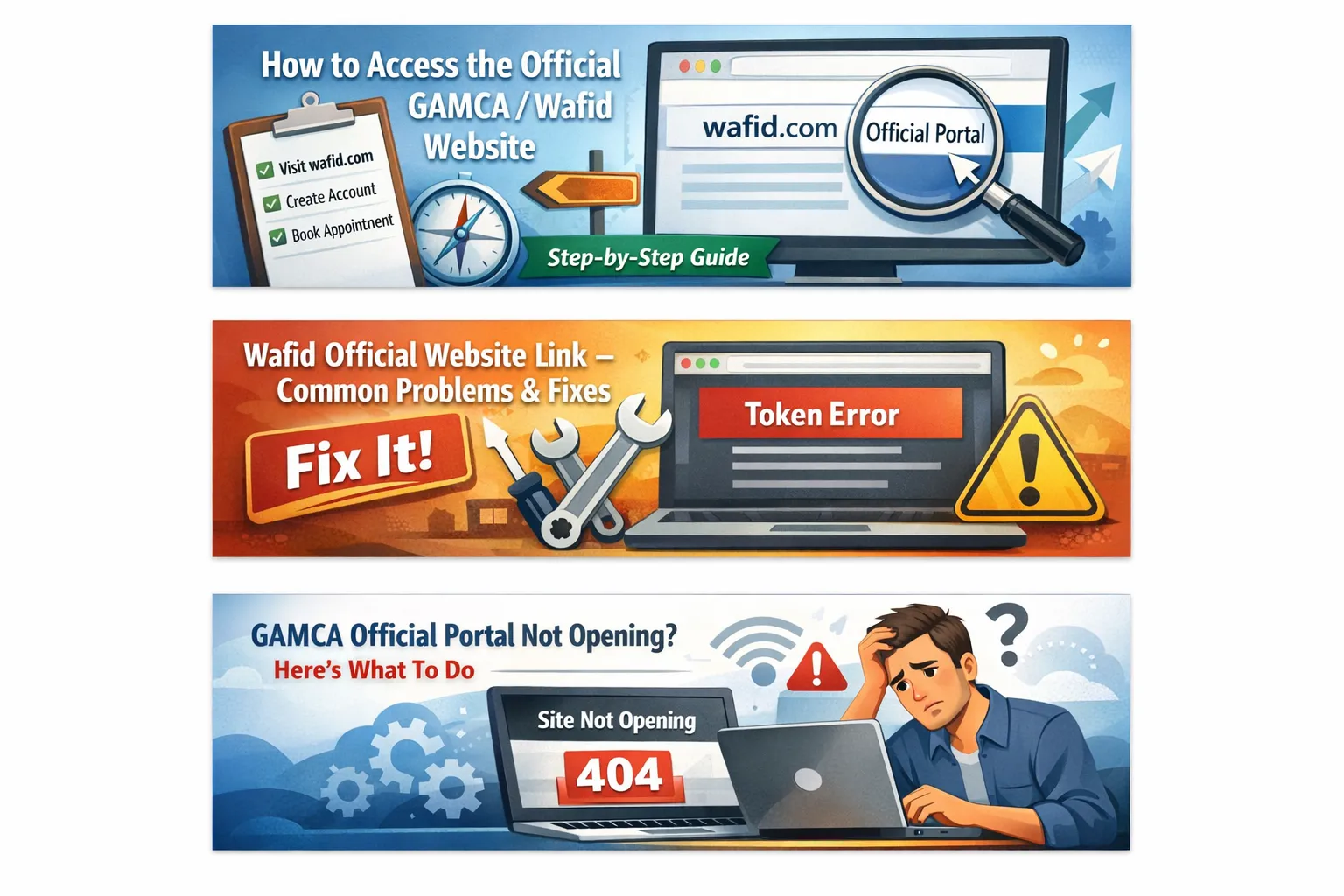
When official Wafid portal is slow or not opening, it usually has a simple explanation: high traffic, browser cache, VPN settings, or a temporary ISP issue. The official portal handles thousands of users daily, so short downtime is normal. If you are booking from Pakistan, you can also review the Pakistan GAMCA token guide for city-level planning while you retry.
Always use the official portal address: official Wafid portal. Avoid shortened links or unofficial pages shared on social media. Type the URL manually and bookmark it once it loads so you return to the correct site every time.
Confirm You Are Using the Official Portal
The official GAMCA/Wafid portal is official Wafid portal. If you are on any other domain, close it and start again. Look for the secure https URL in your browser. This protects you from phishing sites and ensures your booking details are entered in the correct system.
Why the Official Portal May Not Open
- High traffic during peak booking hours
- Browser cache or outdated browser version
- VPN or proxy changing your region
- Temporary ISP or DNS issues
- Security extensions blocking scripts
Quick Checks Before Deep Troubleshooting
- Open any other website to confirm your internet is working
- Restart your browser or phone to clear stuck processes
- Disable data saver or low data mode temporarily
- Check that your device date and time are correct
- Try the site on another device or browser
Quick Fixes You Can Try in 5 Minutes
- Open an incognito or private browser window and try official Wafid portal again.
- Disable VPN, ad blockers, or script blockers and refresh the page.
- Switch from Wi-Fi to mobile data, or use a different network.
- Clear cache and cookies for official Wafid portal, then reload.
- Try another browser like Chrome, Edge, or Safari.
Common Error Messages and What They Mean
You might see different error codes depending on the issue. These are general hints, not official messages, but they help you decide the next step quickly.
- 403 or 401: Access blocked due to VPN, extension, or a security rule
- 404: The link is wrong or the page is temporarily unavailable
- 429: Too many requests, wait and retry later
- 500 or 502: Temporary server error, usually fixed by waiting
- 504: Timeout during heavy traffic, retry off-peak
Avoid Multiple Tabs and Repeated Refreshes
Opening many tabs or refreshing continuously can trigger rate limits and create duplicate sessions. Use one tab, wait for the page to respond, and only refresh once if it is stuck. If nothing happens after a few minutes, close the tab and retry later. This keeps your session clean and reduces OTP or payment errors.
Browser Troubleshooting That Actually Works
Old cache files and browser extensions are the most common causes of loading errors. Update your browser to the latest version, then clear cache and cookies. If you rely on security extensions, temporarily disable them and retry. Once you can access the portal, you can re-enable them. This simple step solves most "page not loading" issues without any extra tools.
If you use browser translation tools, ad blockers, or script blockers, pause them for official Wafid portal. Some security tools block the portal scripts and the page stays blank. Switching to a fresh browser profile or a guest profile also helps when you do not want to change your main settings.
Network and Device Checks
If the portal still does not open, test on a different device. Sometimes your phone network works while your office Wi-Fi is blocked. A quick switch to mobile data often resolves the issue. You can also try a different DNS provider if you know how to change DNS settings, but for most users, switching networks is enough.
Restart Router and Refresh DNS (Optional)
If other websites open but official Wafid portal does not, restart your router or toggle airplane mode on your phone. This refreshes your connection and often clears temporary routing issues. Advanced users can switch to a public DNS like 1.1.1.1 or 8.8.8.8, but it is not required for most applicants.
Mobile vs Desktop Access
If the portal loads on mobile but not on desktop, complete the booking on your phone. If the form feels slow on mobile, try desktop for a larger screen. The key is to use the device that reliably loads the portal, not to force a single device.
Best Time To Retry
The portal is busiest during business hours. Early morning (before 9 AM) or late night usually offers faster access. If you get a timeout or a blank page, wait 20 to 30 minutes and try again during off-peak hours.
Login and OTP Issues
If the portal loads but OTP does not arrive, confirm your mobile number and retry after a few minutes. OTP delivery is often delayed during peak hours. Avoid VPNs while logging in because they can trigger mismatch errors. If the OTP problem continues, wait and try again later.
If the Page Opens but Buttons Do Not Work
When the portal loads but the Next or Submit buttons do nothing, a script may be blocked. Disable extensions, reload the page, and try again. Also turn off browser translation and data saver features, as they can break form scripts. A fresh private window usually fixes this quickly.
Payment or Token Generation Not Loading
Payment pages can time out during heavy traffic. Do not open multiple tabs or refresh repeatedly during payment. If the page fails, wait a few minutes and retry once. If you entered the wrong passport or destination country, correct it before payment to avoid a rejected slip. For wrong data fixes, see the wrong data correction guide for step-by-step help.
When To Retry vs When To Rebook
If the portal is down, do not rush to rebook or open multiple tabs. That can create duplicate attempts and errors. Instead, wait for the portal to load, then continue with the same booking. If you already generated a slip, you do not need to rebook because the portal is temporarily unavailable.
If You Already Paid but Cannot Download the Slip
If payment succeeded but the slip does not download, sign out, log in again, and look for your booking in the portal. Also check your email inbox and spam folder for any confirmation message. Avoid paying twice immediately; wait and retry during off-peak hours before attempting a second payment.
Keep These Details Ready Before You Retry
- Passport number and expiry date
- Nationality and destination GCC country
- Email address and phone number for OTP
- Preferred medical center country
Security and Privacy Tips
Do not share your OTP or portal login with strangers. Use your own phone number so you can control OTP delivery and future updates. If you use an agent, verify the final slip yourself and store it in a safe place. For official bookings, always rely on official Wafid portal.
Independent Help and Guidance
We are an independent guidance site. We do not control the official portal. Our role is to provide clear steps and reduce errors. For official booking, always use official Wafid portal. If you also want the basic booking flow, the official website access guide is a good starting point.
Helpful Pages on This Site
- Home for the main GAMCA and Wafid guidance hub
- GAMCA appointment page for direct booking steps
- Medical centers list to verify approved clinics
- FAQ for common questions and quick answers
FAQs
Why is official Wafid portal not opening for me?
It can be due to high traffic, browser cache, ISP issues, or VPN restrictions. Try the fixes below and retry later.
Should I use a VPN to access the official portal?
Avoid VPNs unless absolutely required. VPNs often trigger country mismatch errors or block access.
What is the best time to access the portal?
Early morning or late night usually has lower traffic, so the portal loads faster.
Which browser works best for official Wafid portal?
Use the latest version of Chrome, Edge, or Safari. Outdated browsers can cause loading issues.
What details should I keep ready before retrying?
Keep your passport number, expiry date, nationality, and destination GCC country ready before logging in.
Where can Pakistan applicants get local help?
Use the Pakistan GAMCA token guide for timelines, city tips, and booking support.
How long should I wait before retrying?
Wait 20 to 30 minutes and retry during off-peak hours if you keep seeing errors.
Need help booking your GAMCA / Wafid medical?
Click here to book your appointment and get your Wafid token within 1 hour via WhatsApp.
Book Your GAMCA AppointmentSuggested GAMCA / Wafid Blogs
Continue reading related guides to avoid booking mistakes.