

Quick Internal Links
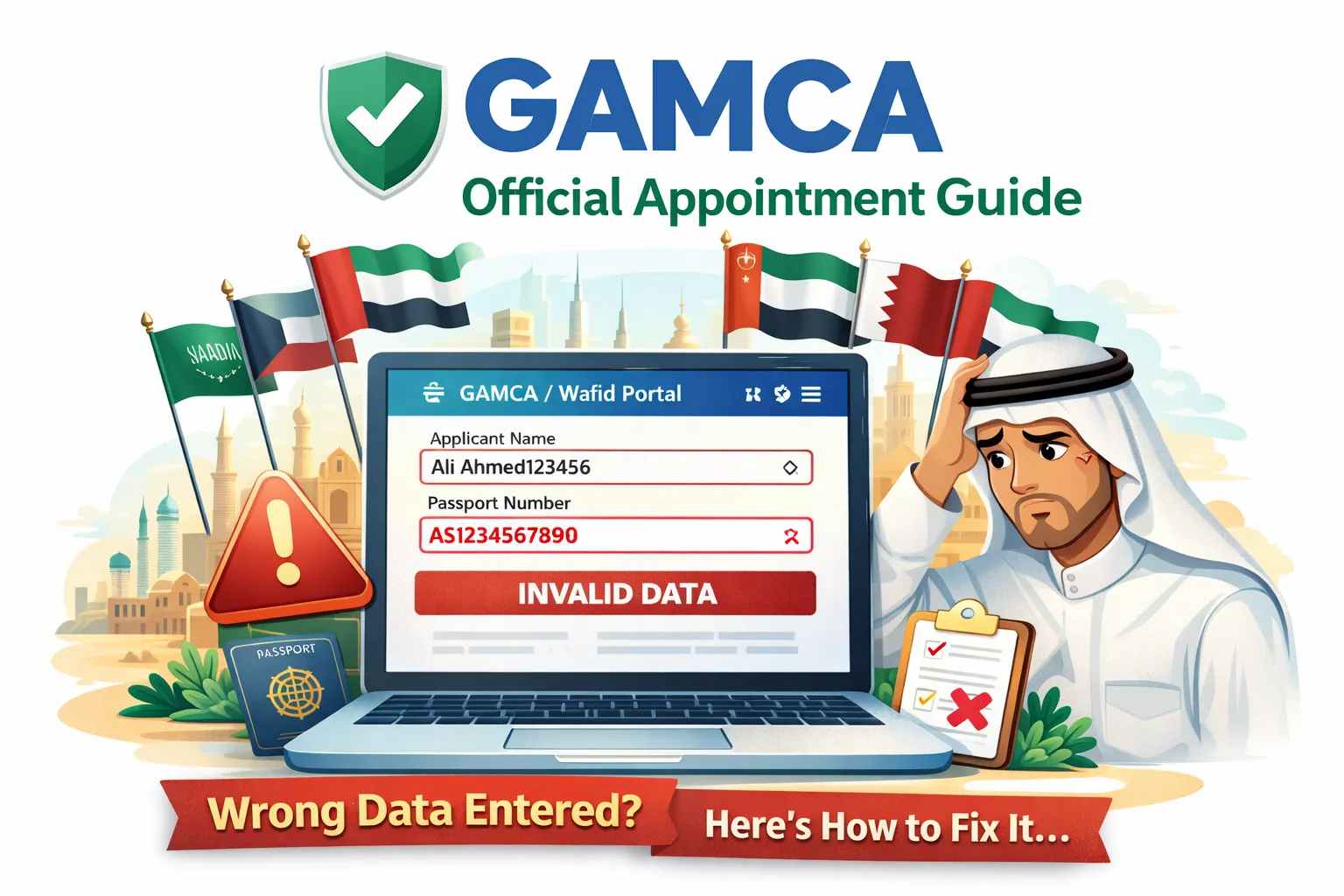
Wrong data on the Wafid portal is one of the biggest reasons for rejected slips and missed appointments. A single typo in your passport number, name, or nationality can block the medical center from verifying you. The safest approach is to fix errors before payment and rebook if the slip has already been generated. If you are booking from Pakistan, review the Pakistan GAMCA token guide for city-specific timing tips.
Why Wrong Data Is a Serious Problem
Wafid links your appointment to your passport. Medical centers and GCC embassies verify your data directly from the portal. If your name, passport number, or destination country is wrong, the system can treat your slip as invalid. Even if you attend the medical center, the report may not match your visa application. That is why it is safer to rebook than to risk a rejected report.
Common Wrong Data Fields on Wafid
- Passport number or expiry date typed incorrectly
- Name spelling that does not match the passport exactly
- Wrong nationality or destination GCC country
- Incorrect medical center country (booking from the wrong country)
- Date of birth or gender errors
Why These Errors Happen (and How to Avoid Them)
Most mistakes happen because applicants rush the form, rely on old passport photos, or let auto-correct change characters. Use a clear image of your current passport and type every field manually. If the official portal is not opening, fix access first using the official portal troubleshooting guide before you try again.
Pakistan applicants often share booking screenshots on WhatsApp, where digits can blur. Zoom in and compare each character with the passport machine-readable line at the bottom before payment.
How Medical Centers Verify Your Data
When you arrive at the medical center, staff verify your slip against the official portal record. If your passport number or name does not match exactly, the system can block your entry. The center does not manually edit your data. That is why the safest fix for wrong data is to correct it directly on the official portal and rebook if necessary, even if it means paying the fee again.
Real-World Examples of Wrong Data
Common examples include typing a zero as the letter O, missing a middle name, or selecting the wrong destination country in a hurry. Even small differences can cause a mismatch. A quick double-check against your passport and job offer letter prevents costly rebookings.
Before Payment: Fix Errors Immediately
If you notice a mistake before payment, stop and correct it right away. This is the easiest and safest fix. Always compare each field with your passport line by line. If you are unsure about the booking flow, follow the online booking guide, which explains every step.
- Copy the passport number directly from your passport
- Match your name exactly, including spacing and order
- Select the correct destination country before proceeding
- Confirm the medical center country and city
After Payment: What To Do If the Slip Is Wrong
Once payment is completed and the slip is generated, most fields cannot be edited. In most cases, you must create a new booking with correct data. Keep the incorrect slip for reference but do not present it at the medical center. Rebooking may feel frustrating, but it protects you from a long visa delay later.
- Log out and start a fresh booking session on official Wafid portal.
- Re-enter passport details carefully and confirm each field.
- Complete payment and download the new slip immediately.
- Discard the old slip and use the corrected one at the clinic.
Country Mismatch and Medical Center Country Errors
A common mistake is selecting the wrong medical center country. For example, if you are booking in Pakistan but select another country, the portal will show a mismatch or assign the wrong clinic. This is not a minor error. The system expects your medical center country to match where you will attend the test. Always double-check before payment and rebook if you made this mistake.
If You Used an Agent
Some applicants rely on agents to book on their behalf. If an agent entered wrong data, insist on a new booking and keep the corrected slip. Do not use a slip that you cannot verify. You can also book directly using the official portal to avoid future errors. Remember: the medical center only trusts the official portal record, not verbal confirmations from agents.
Name, DOB, and Gender Corrections
These fields must match your passport exactly. Even a missing middle name can cause rejection. If the slip is already generated, the safest approach is to rebook with the correct details. Medical centers cannot overwrite your portal data.
Wrong Phone Number or Email
If you entered a phone number or email you do not control, OTP and confirmation messages will fail. In most cases, the safest fix is to start a new booking with your own number so you can receive OTPs and keep your slip accessible. Avoid using an agent phone number unless you fully trust the agent, because you may lose access to your booking later.
How Wrong Data Delays Your Visa Timeline
A wrong slip can cause a chain reaction: the clinic cannot verify you, the report is rejected, and the embassy cannot process your visa. That delay can cost weeks, especially if your employer needs a quick departure date. It is better to rebook immediately than to risk a failed report. If your job offer has a strict deadline, inform your employer about the correction so they can plan your timeline accurately.
Do You Lose the Fee If You Rebook?
In most cases, once the slip is generated, the fee is non-refundable. Consider the first fee lost and focus on submitting a correct booking instead of risking a failed medical. Some applicants try to use the wrong slip to save money, but that often results in delays that cost more.
What to Bring on Medical Day (After Rebooking)
- Printed copy of the corrected Wafid slip
- Original passport and a clear copy
- Payment confirmation if requested by the clinic
- Any job offer letter or employer documents
If You Changed Your Destination Country
Changing the destination GCC country also requires a new booking. Each country has different rules and medical criteria. If you accidentally chose the wrong destination, rebook with the correct one and use that slip for your medical. Do not try to use a slip with a different destination because the report may not be accepted by the embassy.
How to Avoid Repeat Errors
- Use a clear passport scan to copy fields accurately
- Do not book in a hurry or on a slow connection
- Avoid VPNs that can change your default country settings
- Review every field before payment
- Save a screenshot of the review page before submitting
A simple routine helps: read each field out loud against your passport, then pause for ten seconds before clicking pay. Most errors happen because applicants rush or multitask. Slow down, verify once, then verify again. That extra minute saves you days of delay later.
Agent Charges vs Official Booking
Some applicants pay agents to book for them, but mistakes still happen. If you want to avoid unnecessary charges, book directly on the official portal. If you are unsure about pricing or scams, read the GAMCA fees vs agent charges guide. It explains official fee ranges and how to spot risky shortcuts.
Checklist Before You Rebook
- Passport number, expiry date, and full name verified
- Nationality and destination GCC country confirmed
- Correct medical center country selected
- Active phone number for OTP
- Stable internet connection
When to Seek Official Help
If you are still unsure after rebooking, check the official information on official Wafid portal and confirm details with your employer or recruiter. They often know the correct destination country and medical center requirements. Avoid sharing your portal login with strangers, and do not rely on unofficial shortcuts.
Independent Help and Guidance
We are an independent guidance site and do not control the official portal. Our role is to explain the booking process, identify common mistakes, and guide you to the official system. For official booking, always use official Wafid portal.
Helpful Pages on This Site
- Home for the main GAMCA and Wafid guidance hub
- GAMCA appointment page for direct booking steps
- Medical centers list to verify approved clinics
- FAQ for common questions and quick answers
FAQs
What is the official Wafid website link?
The official Wafid website is official Wafid portal. It is the only portal used for GAMCA medical bookings.
I entered the wrong passport number. What should I do?
If the slip is already generated, you usually need to rebook with the correct passport number. Do not use a slip with incorrect data at the medical center.
Can I edit my Wafid details after payment?
Most corrections require a fresh booking. Always confirm your details before payment to avoid rebooking.
Why am I seeing a country mismatch error?
Country mismatch happens when nationality, destination country, or medical center country does not align with your passport. Recheck entries and rebook if needed.
My name spelling is wrong on the slip. Can it be fixed?
Name spelling must match the passport exactly. In most cases, you must rebook with the corrected name.
Do I lose my fee if I rebook?
Fees are usually non-refundable once a slip is generated. Consider the first fee lost and rebook with correct data.
Where can Pakistan applicants get local guidance?
Use the Pakistan GAMCA token guide for city-based tips and timelines.
Need help booking your GAMCA / Wafid medical?
Click here to book your appointment and get your Wafid token within 1 hour via WhatsApp.
Book Your GAMCA AppointmentSuggested GAMCA / Wafid Blogs
Continue reading related guides to avoid booking mistakes.